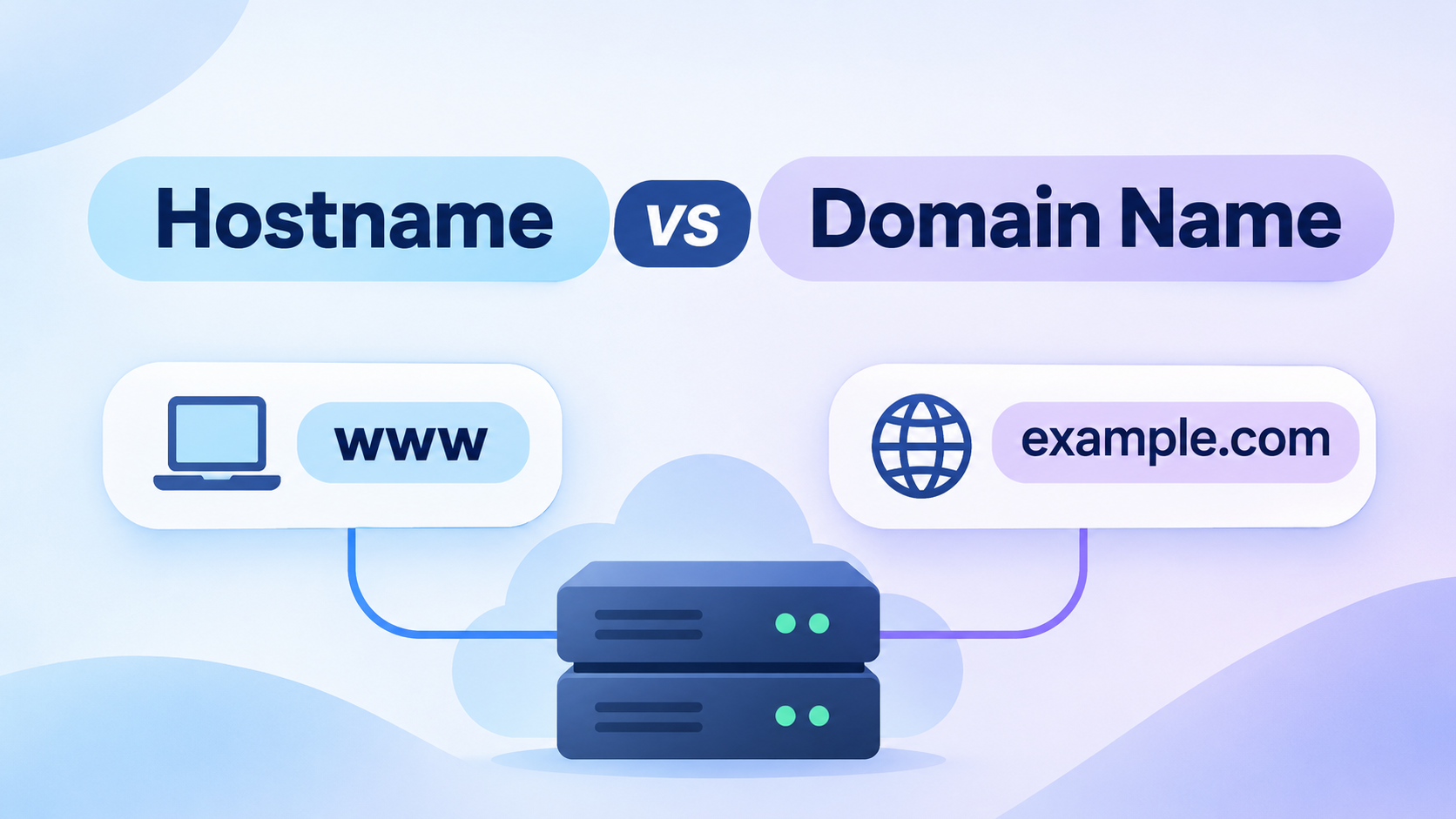
Hostname vs domain name can be confusing because the two terms often appear together and sometimes look almost identical. However, they describe different parts of how computers and websites are identified on a network.
A domain name usually identifies a website, organization, or internet resource. A hostname identifies a specific device or service within that domain.
Understanding the difference becomes much easier once you see how the pieces fit together.
What Is a Domain Name?
A domain name is a human-readable address used to identify a website or internet resource.
For example:
example.com
Instead of remembering a numerical IP address such as:
192.0.2.1
users can type a simple domain name into a browser.
The Domain Name System, or DNS, translates that domain name into the IP address needed to reach the correct server.
A domain name usually consists of multiple parts separated by dots.
For example:
example.com
Here:
- example is the second-level domain
- .com is the top-level domain, or TLD
Other common top-level domains include .net, .org, .io, .de, and .uk.
A domain name can represent a company, project, service, website, or other online resource.
What Is a Hostname?
A hostname is a name assigned to a specific device, computer, server, or service on a network.
For example:
server1
could be the hostname of a particular server.
Inside a private network, a hostname may be enough to identify that device.
On the public internet, hostnames often appear as part of a larger domain name.
For example:
mail.example.com
In this case:
- mail is the hostname
- example.com is the domain name
The full address identifies a specific host within the example.com domain.
Hostname vs Domain Name: The Main Difference
The simplest way to understand the difference is this:
A domain name identifies a broader internet namespace, while a hostname identifies a specific device or service within that namespace.
For example:
example.com
is a domain name.
But:
www.example.com
can identify a specific host or service under that domain.
Likewise:
mail.example.com
may point to a mail server.
And:
api.example.com
may point to an API server.
The domain remains the same, but each hostname can point to a different server, service, or IP address.
Examples of Hostnames and Domain Names
Consider a company that owns:
example.com
It may create several hostnames:
- www.example.com
- mail.example.com
- api.example.com
- shop.example.com
- vpn.example.com
Each one serves a different purpose.
For example:
www.example.com may host the website.
mail.example.com may handle email.
api.example.com may serve application requests.
shop.example.com may host an online store.
All of these names belong to the same domain, but they identify different hosts or services.
Is a Hostname the Same as a Subdomain?
Not always, although the terms often overlap.
A subdomain is a domain that exists under another domain.
For example:
blog.example.com
is a subdomain of:
example.com
If blog.example.com points to a specific server or service, it may also function as a hostname.
This is why hostname and subdomain are sometimes used interchangeably in casual conversation.
Technically, however, they describe different concepts.
A subdomain describes a position in the DNS hierarchy.
A hostname identifies a specific host.
One name can be both a subdomain and a hostname depending on how it is used.
What Is a Fully Qualified Domain Name?
A Fully Qualified Domain Name, or FQDN, identifies a host using its complete DNS name.
For example:
server1.example.com
Here:
- server1 is the hostname
- example.com is the domain
- server1.example.com is the FQDN
An FQDN provides the complete path to a host within the DNS hierarchy.
Another example is:
mail.company.net
The hostname is:
The domain is:
company.net
The full FQDN is:
mail.company.net
In strict DNS notation, a fully qualified domain name can end with a trailing dot:
mail.company.net.
The final dot represents the DNS root, although users rarely type it.
How DNS Uses Hostnames and Domain Names
DNS connects names to network resources.
When you enter a hostname or domain into a browser, DNS looks for the appropriate records.
For example, suppose you visit:
www.example.com
DNS may return an A record such as:
www.example.com → 192.0.2.10
or an AAAA record for IPv6.
A different hostname could point somewhere else:
mail.example.com → 192.0.2.20
Even though both hostnames belong to the same domain, DNS can send users to completely different servers.
This flexibility allows organizations to separate websites, email systems, APIs, and other services.
Can a Domain Name Exist Without a Hostname?
Yes.
A domain such as:
example.com
can exist and resolve directly without using an additional hostname such as www.
This is often called the root domain, apex domain, or naked domain.
For example, both of these addresses may work:
example.com
www.example.com
However, they are not automatically the same DNS name.
The domain owner must configure DNS records so that both names point to the correct destination.
Can Two Hostnames Point to the Same IP Address?
Yes.
Multiple hostnames can point to the same server.
For example:
www.example.com
and:
shop.example.com
could both resolve to:
192.0.2.10
The web server can then decide which website or application to display based on the hostname requested by the browser.
This setup is common in shared hosting, cloud platforms, reverse proxies, and virtual hosting environments.
Why the Difference Matters
Understanding hostname vs domain name helps when working with DNS, hosting, email, SSL certificates, and server configuration.
It becomes especially useful when troubleshooting problems such as:
- A website not loading
- A subdomain not resolving
- Email not reaching the correct server
- An SSL certificate mismatch
- DNS records pointing to the wrong host
- A service working by IP address but not by name
If you know whether you are dealing with a domain, hostname, or FQDN, it becomes much easier to identify the correct DNS record and fix the problem.
Hostname vs Domain Name in a Simple Example
Imagine a company called Example owns:
example.com
That is its domain name.
It runs several services:
www.example.com for its website
mail.example.com for email
api.example.com for its API
vpn.example.com for remote access
The common part, example.com, is the domain.
The first part identifies individual hosts or services.
In other words, the domain acts like the broader namespace, while hostnames identify specific destinations within it.
Final Thoughts
Hostname vs domain name becomes much easier to understand once you separate the two roles.
A domain name identifies an internet domain such as example.com.
A hostname identifies a particular computer, server, or service, such as mail or www.
When combined, they can form a fully qualified domain name such as:
mail.example.com
Understanding this distinction helps you read DNS records correctly, configure services, troubleshoot network problems, and understand how websites and servers communicate across the internet.

Hi, I’m Bella, a technology enthusiast who enjoys making complex tech topics clear, practical, and easy to understand. Outside of writing, I love trail running, biking, traveling, and photography.