Most devices automatically use the DNS servers provided by your Internet provider or network. For many people, that works perfectly well and there is no reason to touch the settings. There are situations, however, when changing the DNS server can be useful. You may want to troubleshoot a slow or unreliable resolver, improve privacy, test … Read More “How to Change DNS Server on Windows, Mac, Android, and iPhone” »
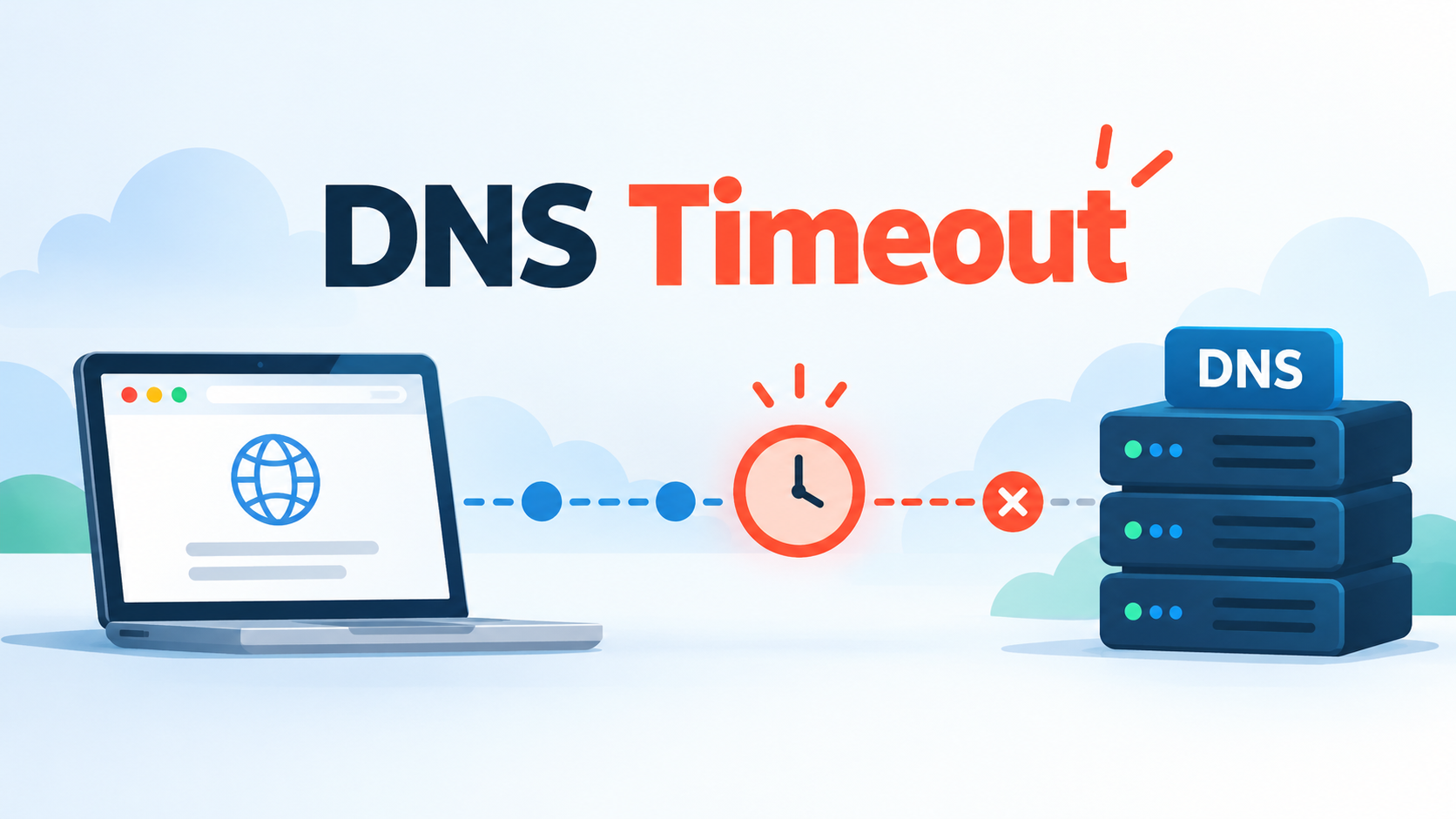
The Dig command is one of the easiest ways to investigate a DNS timeout because it shows whether a DNS server answers your query and how long the response takes. A DNS timeout happens when your device or a DNS resolver sends a query but does not receive an answer within the expected time. When … Read More “DNS Timeout: Causes and Fixes” »
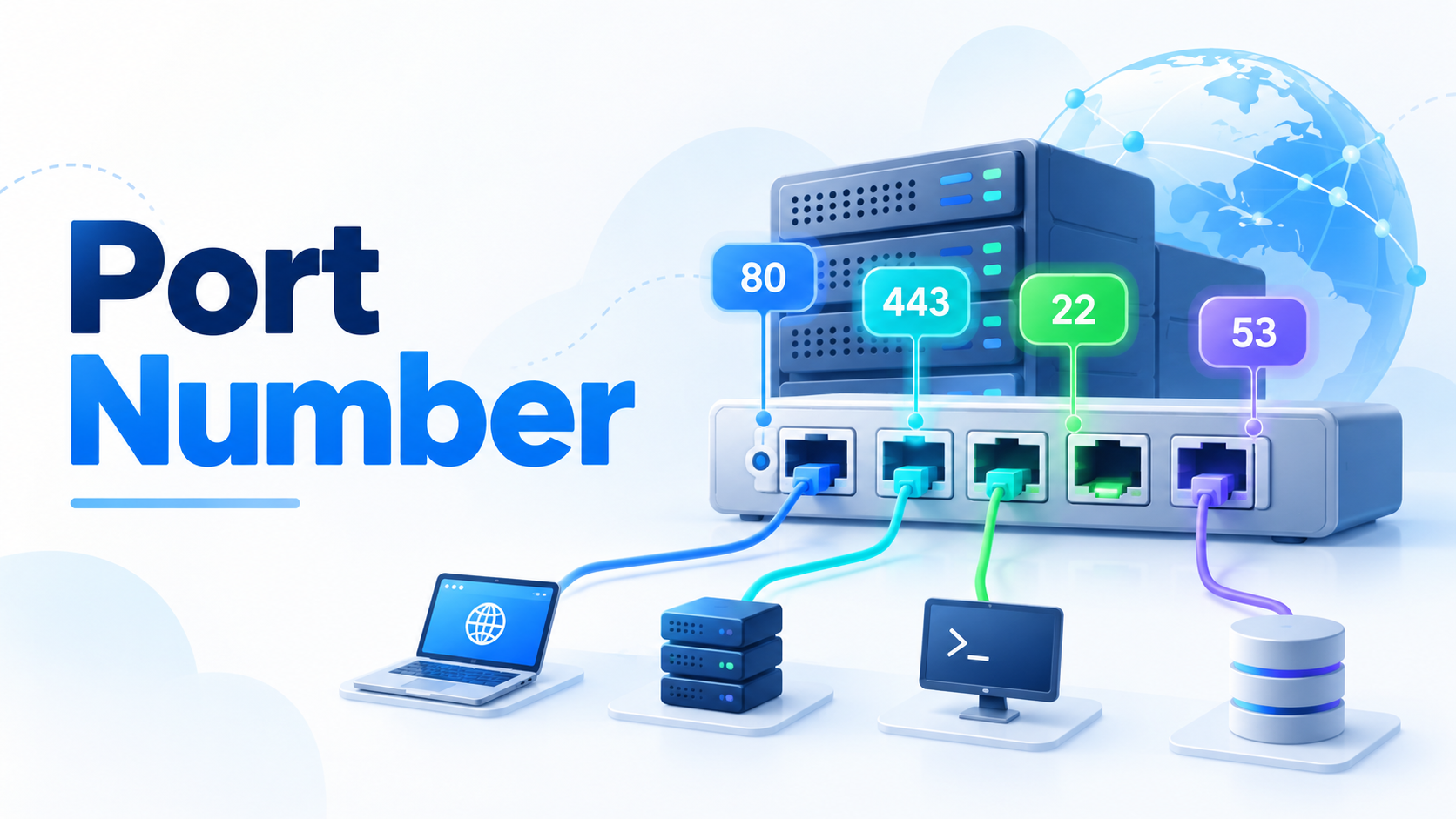
A port number is a numerical identifier that helps computers direct network traffic to the correct application or service. When your computer connects to a website, sends an email, performs a DNS lookup, or accesses a remote server, port numbers help make sure the data reaches the right destination. An IP address identifies a device … Read More “What Is a Port Number in Networking?” »
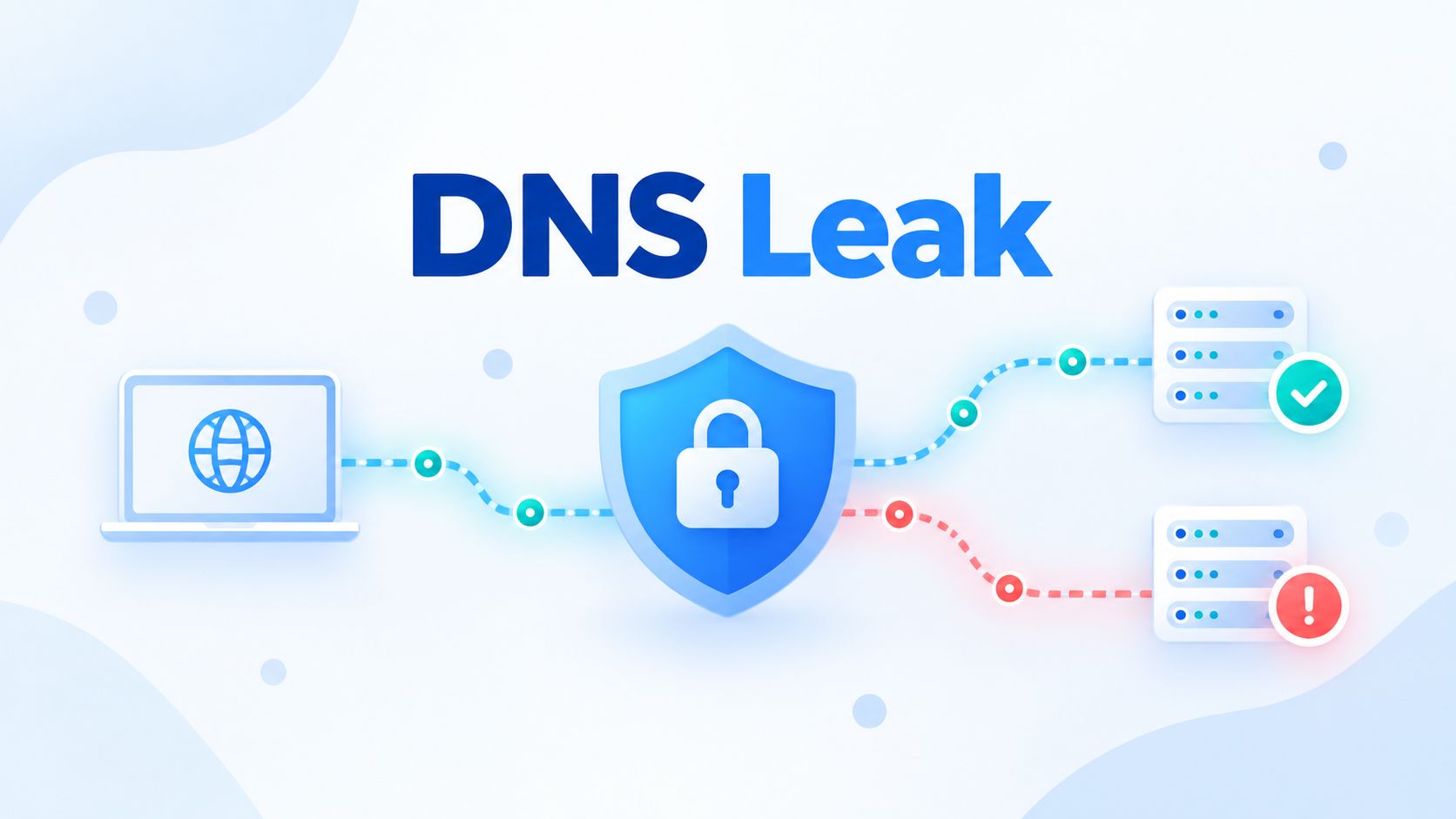
A VPN can hide your public IP address and send your Internet traffic through an encrypted tunnel. But there is one small piece of the connection that can quietly take a different route: DNS. When that happens, your website traffic may travel through the VPN while your DNS requests still go somewhere else. This is … Read More “What Is a DNS Leak? How to Test, Fix, and Prevent It” »
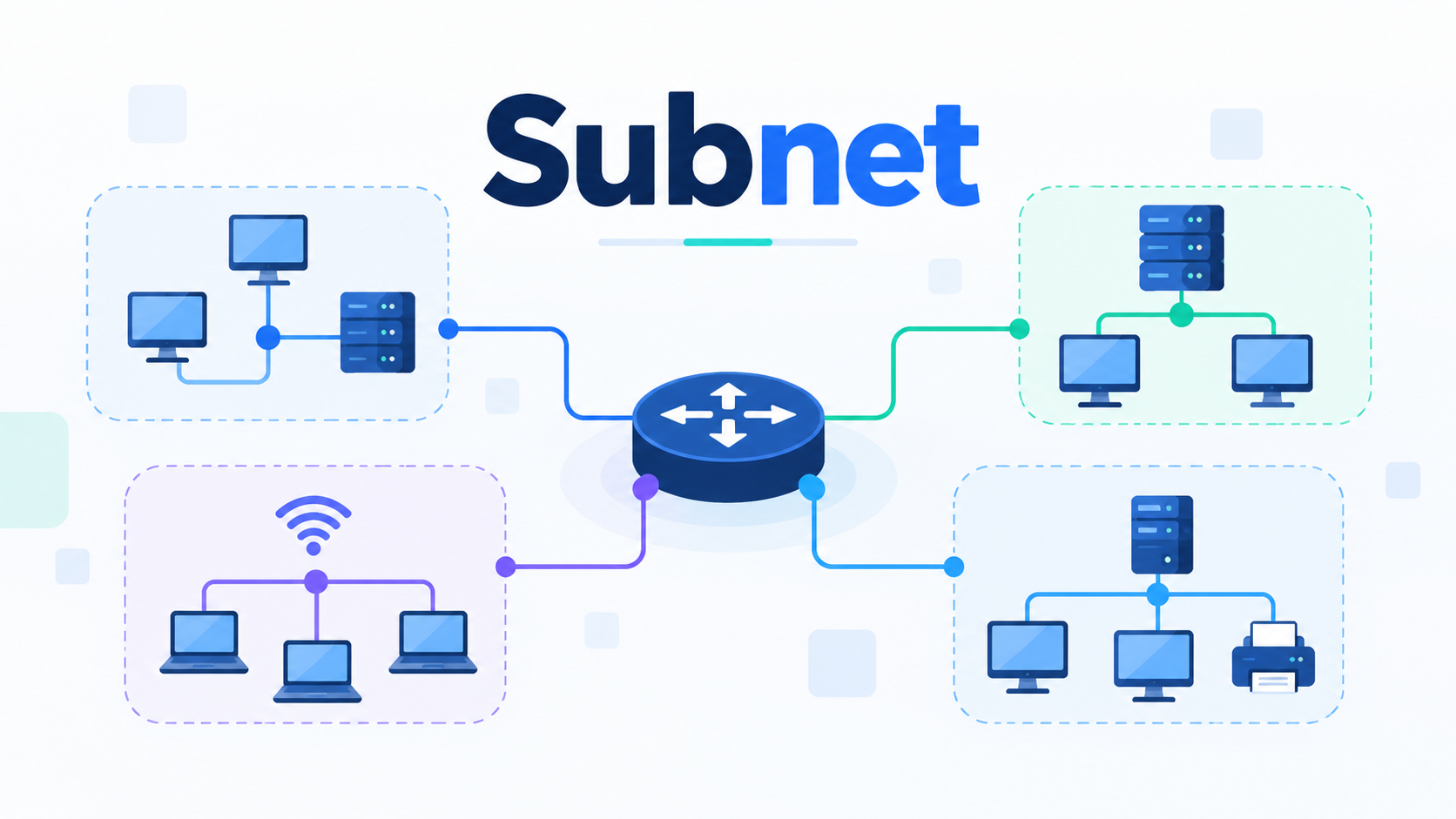
A subnet is a term you may come across when learning about computer networks, IP addresses, or internet connections. Although it sounds technical, the concept is surprisingly simple. A subnet is a smaller section of a larger network that helps organize connected devices and manage how they communicate. Whether you’re connecting devices at home or … Read More “What Is a Subnet? A Beginner’s Guide” »
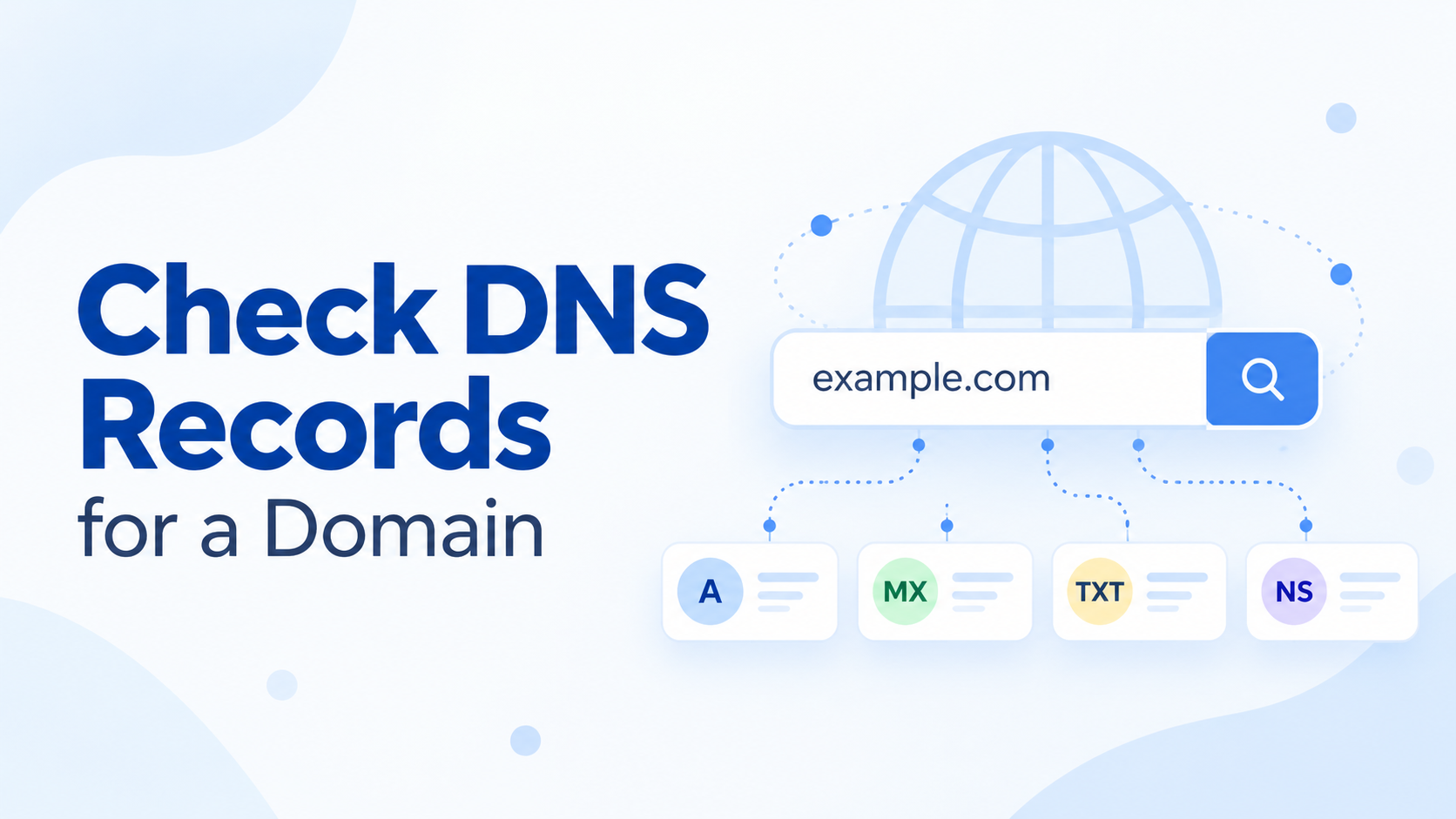
Checking DNS records is useful whenever you want to see where a domain points, verify an email setup, troubleshoot a DNS problem, or confirm that a recent change is working. You can do it from the command line with tools such as dig and nslookup, or use an online DNS checker if you prefer something … Read More “How to Check DNS Records for a Domain?” »
DNS Troubleshooting can feel complicated when a website suddenly stops loading, a domain points to the wrong server, or some users can access a site while others cannot. The good news is that most DNS problems become much easier to solve when you check them in the right order. Instead of changing DNS settings at … Read More “DNS Troubleshooting: A Step-by-Step Guide to Finding DNS Problems” »
DNS errors happen when the Domain Name System cannot complete a request as expected. They can prevent a website from loading, stop emails from reaching their destination, or cause applications and online services to become unavailable. Some DNS errors are temporary. Others point to incorrect DNS records, unavailable name servers, DNSSEC problems, or configuration mistakes. … Read More “Common DNS Errors Explained” »
Few Internet errors are more frustrating than “DNS server not responding.” Your Wi-Fi may still look connected and everything seems normal, yet websites suddenly refuse to open. Fortunately, the cause is often simple. A router restart, fresh DNS cache, or different DNS resolver may be all you need. When those quick fixes do not work, … Read More “DNS Server Not Responding: Causes and Fixes” »
Slow DNS resolution can make a website feel sluggish before the page has even started loading. In many cases, the delay is not caused by the website itself, but by how long it takes to translate the domain name into an IP address. The good news is that slow DNS can usually be traced back … Read More “How to Identify and Fix Slow DNS Resolution?” »