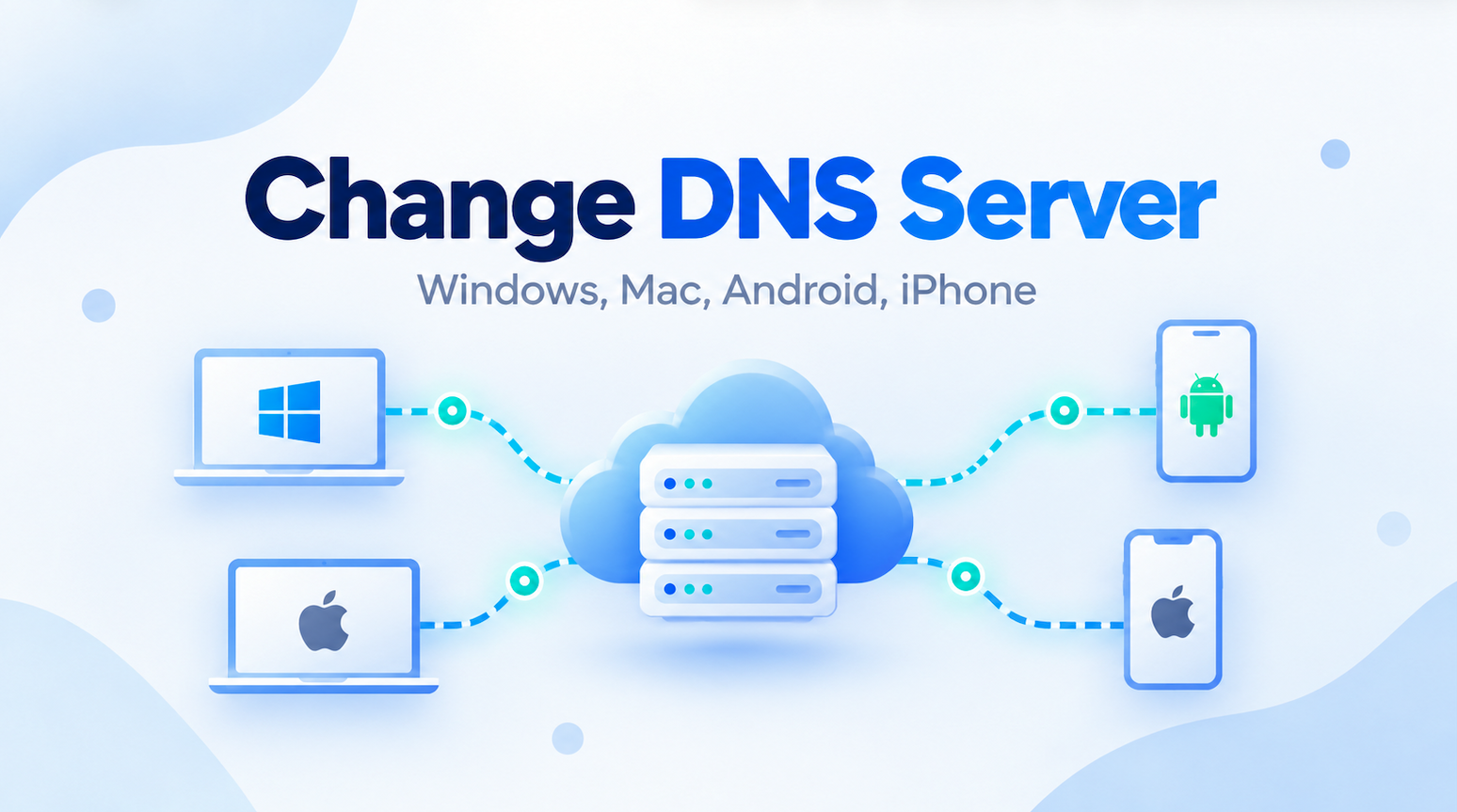
Most devices automatically use the DNS servers provided by your Internet provider or network. For many people, that works perfectly well and there is no reason to touch the settings. There are situations, however, when changing the DNS server can be useful. You may want to troubleshoot a slow or unreliable resolver, improve privacy, test … Read More “How to Change DNS Server on Windows, Mac, Android, and iPhone” »
Tag: network troubleshooting
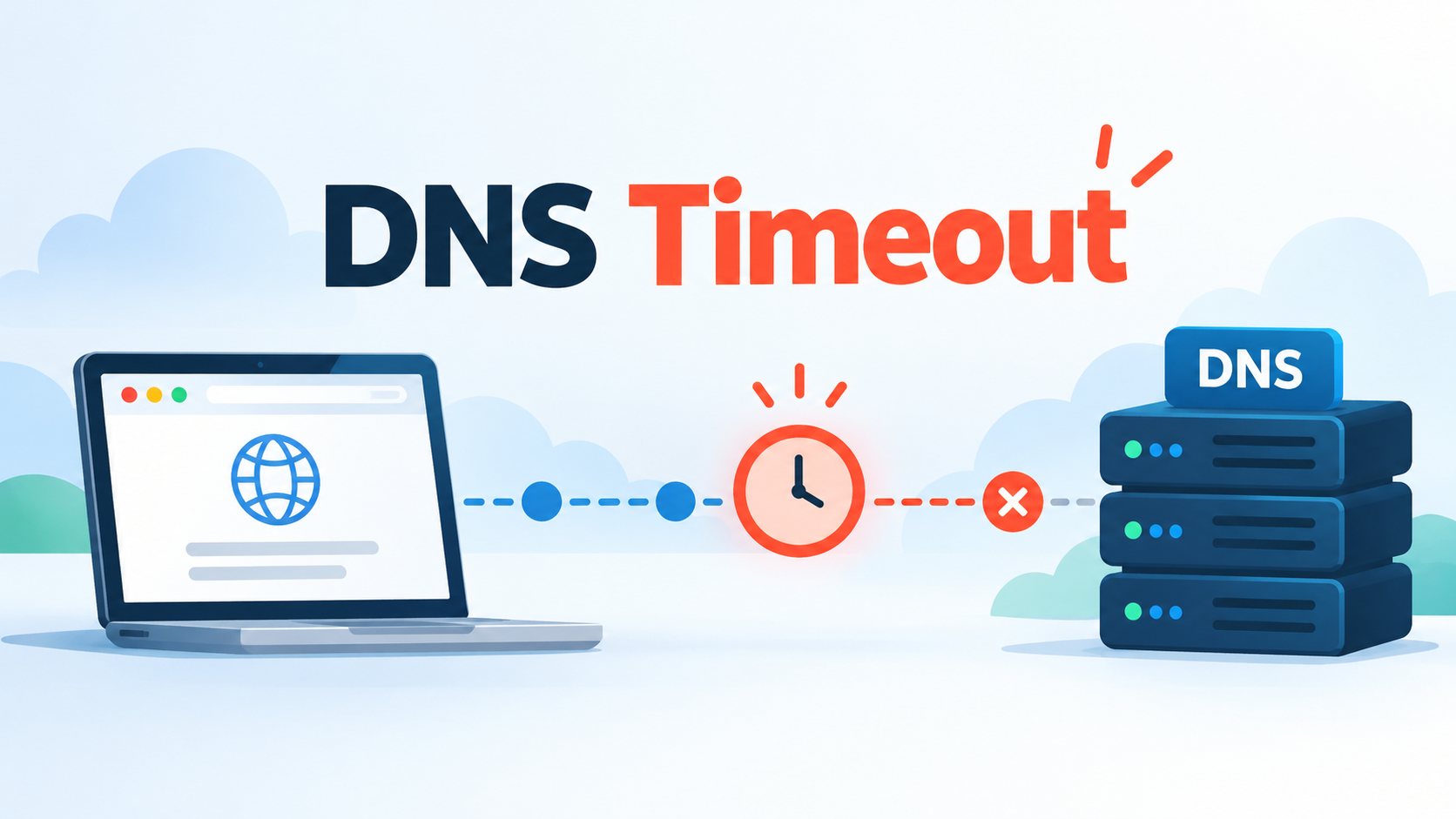
The Dig command is one of the easiest ways to investigate a DNS timeout because it shows whether a DNS server answers your query and how long the response takes. A DNS timeout happens when your device or a DNS resolver sends a query but does not receive an answer within the expected time. When … Read More “DNS Timeout: Causes and Fixes” »
Few Internet errors are more frustrating than “DNS server not responding.” Your Wi-Fi may still look connected and everything seems normal, yet websites suddenly refuse to open. Fortunately, the cause is often simple. A router restart, fresh DNS cache, or different DNS resolver may be all you need. When those quick fixes do not work, … Read More “DNS Server Not Responding: Causes and Fixes” »
The Netstat command is a network troubleshooting tool that lets you view active connections, listening ports, routing information, network interfaces, and protocol statistics on a computer or server. If you need to find out which ports are open, whether a server has active connections, or which application is using a particular port, Netstat can quickly … Read More “Netstat Command Explained: How to Check Network Connections” »
SS command is a useful Linux networking tool that helps you inspect network connections, open ports, and active sockets on a server. If you manage a Linux system, troubleshoot connectivity problems, or want to see which services are listening for connections, ss is one of the most practical commands to know. The command is fast, … Read More “SS Command Guide for Beginners” »